
Super Spy Mario VS Skibidi Toilet
5,970
Super Spy Mario VS Skibidi Toilet combines thrilling action with stealth gameplay, challenging you to outsmart and eliminate Skibidi Toilet enemies as Super Spy Mario. Navigate through uniquely designed levels, each requiring different strategies to overcome. Stay hidden, strike from behind, and avoid detection at all costs. Experience the excitement of a stealth-packed 2.5D adventure in an engaging environment with sophisticated enemy AI.
Recommended Games
View All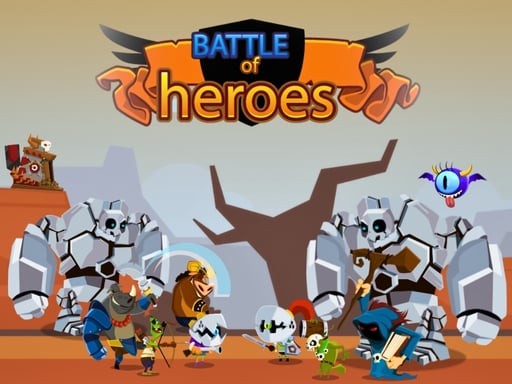
4.4
Battle Of Heros
Click on any available unit to place it in your formation, enhancing your strategy and defense.
4,459

4.4
Mind Games for 2 3 4 Player
Players use different key sets to control their characters: Player 1 uses W, A, S, D for movement and E for actions; Player 2 uses arrow keys for movement and backspace for actions; Player 3 uses I, J, K, L for movement and O for actions; Player 4 uses T, F, G, H for movement and Y for actions. Alternatively, players can take turns using a mouse and left-click for both movement and actions.
6,274

4.1
Spooky Forest Run
Mouse click or tap to jump Double tap to perform a quick consecutive jump
3,330

4.5
Santa Dash
Navigate Santa using arrow keys or touch buttons on mobile, moving him left, right, and jumping. Gather coins for higher scores while dodging obstacles to prolong Santa's run.
6,417

4.6
Dragonz Escape
for mobile use touch screen controls swipe to move tap to interact for pc use arrow keys to move and mouse for aiming and interacting
3,782
4.2
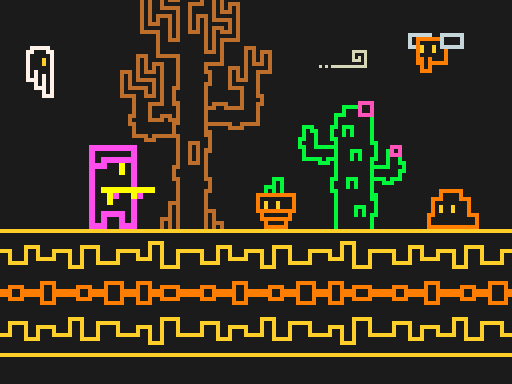
Line Pixel Adventure
Navigate using W A S D keys or arrow keys. Press Space to attack. For mobile users, swipe to move and tap to attack.
7,766

5.0
Careening Though Space
Tap or click to move the astronaut, collecting air tanks and coins while avoiding asteroids, flying saucers, and black holes.
4,223

4.9
Brick Hit
for mobile use touch screen swipe to move and tap for actions for pc use mouse click to move and select options
4,847

4.4
John is a lifeguard
In this game, players navigate using the 'a', 'd', and 'w' keys while controlling speed with the shift key. Mouse clicks are used for interactions or attacks, enhancing engagement and control in the game environment.
7,740

4.1
Worms Arena iO
Control your character by moving the MOUSE or using the LEFT-RIGHT ARROWS (A and D keys). Speed up with SPACE or LEFT-CLICK.
4,995

4.6
Cool Man Adventure
To control your character, use arrow keys on your keyboard or, for mobile devices, tap corresponding screen icons to move your character around.
7,472

4.1
Battle of the Match Man
Click or tap on the screen to interact and progress in the game. Use these inputs to trigger actions, select options, or navigate through different levels and menus. This direct interaction allows for an intuitive and engaging experience, making the gameplay accessible and easy to understand for all users.
6,115

4.7
Hill Climb Race
On Desktop - Press D to accelerate right and A to accelerate left On Mobile - Tap the right arrow to move right and the left arrow to move left
3,351
4.6
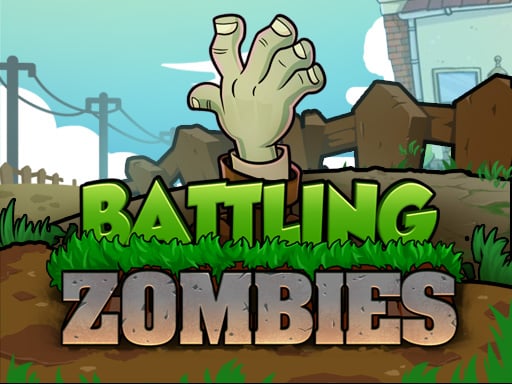
Battling Zombies
In this plant synthesis game, players grow and combine different plants that automatically defend against incoming monsters. As players progress, they encounter various unique plants to collect and synthesize. The game features challenging bosses that require strategic use of synthesized plants to defeat.
5,511

4.6
Wizard Adventure
Use the touch joystick on your device or the joystick on your PC to navigate the player. Simply move the joystick in the desired direction to guide the player character around the environment.
6,139
4.3
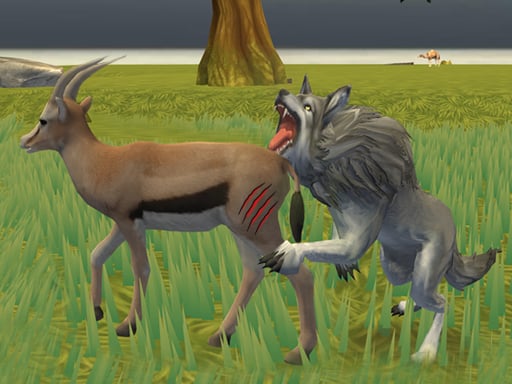
Wolf Life Simulator
Click or tap on the screen to interact with the game elements. Each click or tap triggers an action, such as selecting items, moving characters, or responding to in-game prompts. Engage by being responsive to what appears on the screen for a smooth gameplay experience.
4,300
4.5
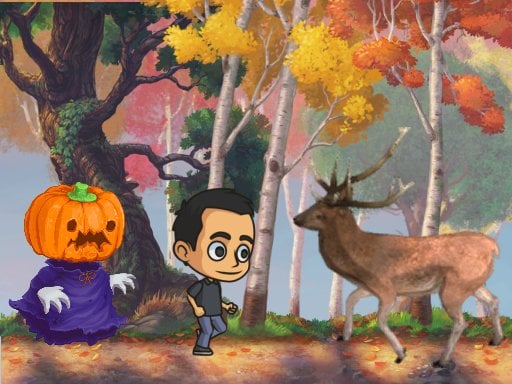
Autumn Endless Runner
Tap the screen to jump and double tap for an extra leap. Navigate through various obstacles and Avoid all obstacles and animals.
6,894

4.5
The wizard Elion
Use WASD keys for movement and mouse for menu interactions on desktop. On mobile, touch the screen buttons directly and use on-screen arrow keys to move.
4,217

4.4
Fire and Water Stickman
Navigate using WASD or arrow keys. Perform double jumps to reach higher platforms. On mobile, use touch controls for movement and jumping.
7,042