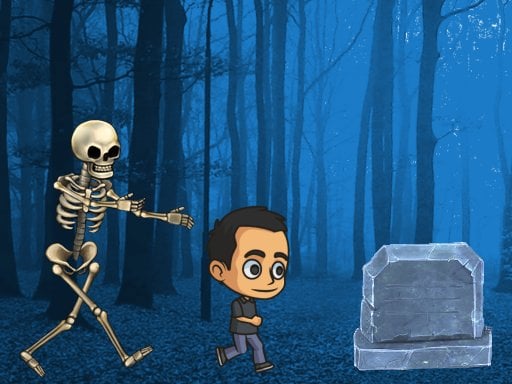
Spooky Forest Run
3,330
Embark on a thrilling adventure in the heart of an eerie forest where a chilling skeleton begins relentlessly pursuing you. Dash swiftly through the dense woods, leaping over various obstacles and other characters by tapping the screen to avoid capture. Should the skeleton manage to catch up with you, the game will come to an end.
Recommended Games
View All
4.6
Epic Hero Quest: Idle RPG
In this game, players control a mouse navigating through various mazes. The objective is to collect cheese scattered throughout each level while avoiding predators like cats and traps. As the player progresses, mazes become more complex with additional obstacles and moving hazards. Points are scored for each piece of cheese collected and bonuses can be unlocked by completing levels efficiently.
5,712
4.2
Line Pixel Adventure
Navigate using W A S D keys or arrow keys. Press Space to attack. For mobile users, swipe to move and tap to attack.
7,766

4.6
Wizard Adventure
Use the touch joystick on your device or the joystick on your PC to navigate the player. Simply move the joystick in the desired direction to guide the player character around the environment.
6,139

4.5
The wizard Elion
Use WASD keys for movement and mouse for menu interactions on desktop. On mobile, touch the screen buttons directly and use on-screen arrow keys to move.
4,217

4.7
Hill Climb Race
On Desktop - Press D to accelerate right and A to accelerate left On Mobile - Tap the right arrow to move right and the left arrow to move left
3,351

4.6
Dragonz Escape
for mobile use touch screen controls swipe to move tap to interact for pc use arrow keys to move and mouse for aiming and interacting
3,782
4.6
Battling Zombies
In this plant synthesis game, players grow and combine different plants that automatically defend against incoming monsters. As players progress, they encounter various unique plants to collect and synthesize. The game features challenging bosses that require strategic use of synthesized plants to defeat.
5,511

4.4
John is a lifeguard
In this game, players navigate using the 'a', 'd', and 'w' keys while controlling speed with the shift key. Mouse clicks are used for interactions or attacks, enhancing engagement and control in the game environment.
7,740
4.5
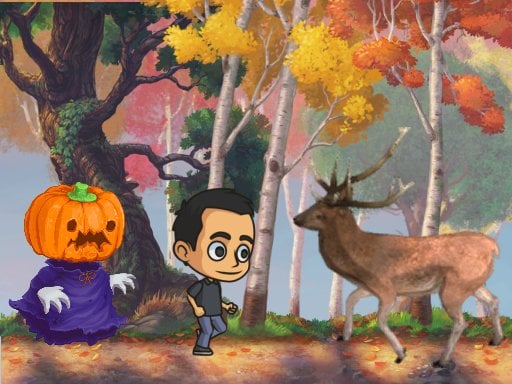
Autumn Endless Runner
Tap the screen to jump and double tap for an extra leap. Navigate through various obstacles and Avoid all obstacles and animals.
6,894

4.5
Santa Dash
Navigate Santa using arrow keys or touch buttons on mobile, moving him left, right, and jumping. Gather coins for higher scores while dodging obstacles to prolong Santa's run.
6,417

4.6
Cool Man Adventure
To control your character, use arrow keys on your keyboard or, for mobile devices, tap corresponding screen icons to move your character around.
7,472
4.3
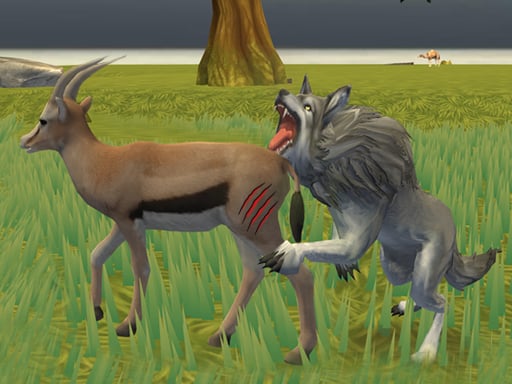
Wolf Life Simulator
Click or tap on the screen to interact with the game elements. Each click or tap triggers an action, such as selecting items, moving characters, or responding to in-game prompts. Engage by being responsive to what appears on the screen for a smooth gameplay experience.
4,300

5.0
Careening Though Space
Tap or click to move the astronaut, collecting air tanks and coins while avoiding asteroids, flying saucers, and black holes.
4,223

4.7
Mushroom Fight For The Kingdom
Movement: Left Button - Move your mushroom character to the left. Right Button - Move your mushroom character to the right. Jump: Up Button - Make your mushroom character jump; hold for higher leaps. Pause: Pause Button - Pause the game and access options.
6,811

4.8
Toy Game For Kids
Click or tap the screen to interact and progress through the game. Use these inputs to trigger events, select options, or control characters as you play.
5,158

4.1
Worms Arena iO
Control your character by moving the MOUSE or using the LEFT-RIGHT ARROWS (A and D keys). Speed up with SPACE or LEFT-CLICK.
4,995

4.4
Mind Games for 2 3 4 Player
Players use different key sets to control their characters: Player 1 uses W, A, S, D for movement and E for actions; Player 2 uses arrow keys for movement and backspace for actions; Player 3 uses I, J, K, L for movement and O for actions; Player 4 uses T, F, G, H for movement and Y for actions. Alternatively, players can take turns using a mouse and left-click for both movement and actions.
6,274

4.1
Battle of the Match Man
Click or tap on the screen to interact and progress in the game. Use these inputs to trigger actions, select options, or navigate through different levels and menus. This direct interaction allows for an intuitive and engaging experience, making the gameplay accessible and easy to understand for all users.
6,115
4.3
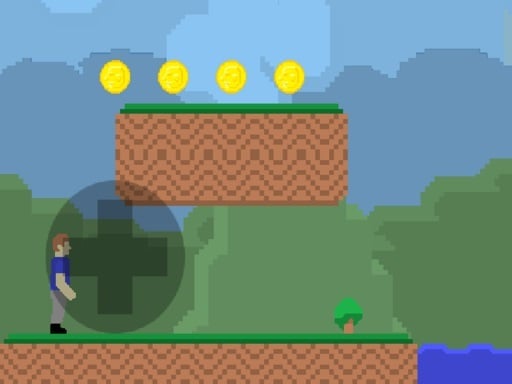
Gunshot Odyssey
Navigate using arrow keys: Up for jumping over obstacles, Down to duck under them, Left to move back, Right to move forward. Press 'a' to interact with objects and 's' to pause or confirm selections.
4,110