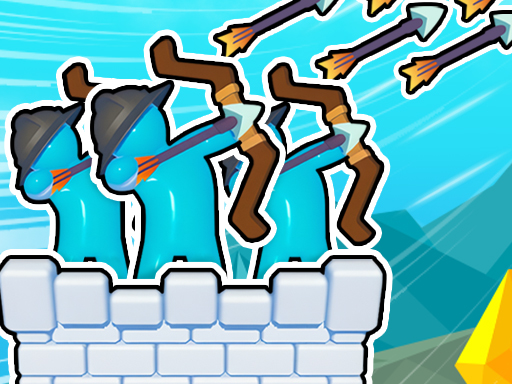
Royal Elite Archer Defense
6,196
In Archery Bastions: Castle War, you engage in strategic battles as part of a team using 3D stickman archers to defend and attack castles. Your objective is to defeat all opposing archers before they can do the same to you. Keep an eye out for enemy melee troops, as they can breach your defenses and damage your tower if not eliminated in time. Skins are purely cosmetic, altering only the appearance of your arrows without affecting their strength. Prioritize upgrading your team and castle using coins to enhance your defense and offensive capabilities.
Recommended Games
View All
4.2
Assassin Knight
Click or tap the screen to interact and progress through the game.
6,933
4.6
Crazy 3
Click or tap the screen to interact and progress through the game.
5,021
4.4
Wood Man Cutter
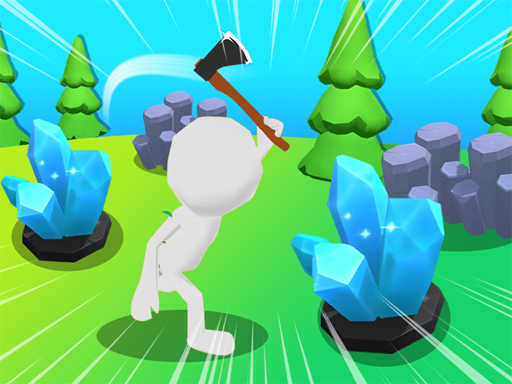
Click or tap the screen to interact and progress through the game. Use these inputs to trigger actions, solve puzzles, and navigate challenges. Engage with the game world by selecting options and responding to in-game prompts.
3,627

4.9
Draw Save Puzzle
Draw a single unbroken line to finish each level while safeguarding the Stickman from harm. Multiple solutions exist, allowing creativity in your designs.
4,143
4.0
Shadow Stickman Fight
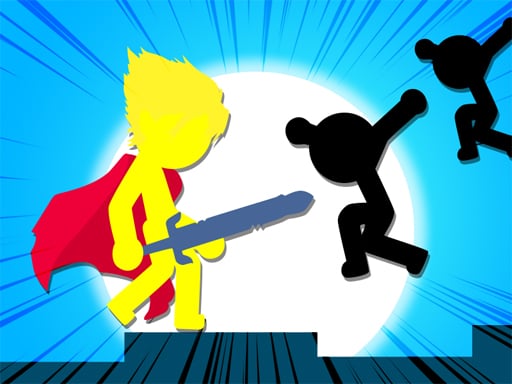
On PC, A moves left, D moves right. On Mobile, swipe or tap for movement.
3,805
4.2
Stickman The Flash
Click or tap on the screen to interact and play.
6,853

4.5
Pop It 3D Fidget Toy Maker
Click or tap on the screen to interact and play. Use these inputs to navigate through the game, trigger actions, and make selections. This direct interaction allows for an intuitive and engaging gaming experience.
6,627

4.9
Skibidi Stick
Click or tap on the screen to interact and progress in the game. Use these inputs to trigger actions, select options, or control elements within the game environment.
7,701
4.4
Stickman fall
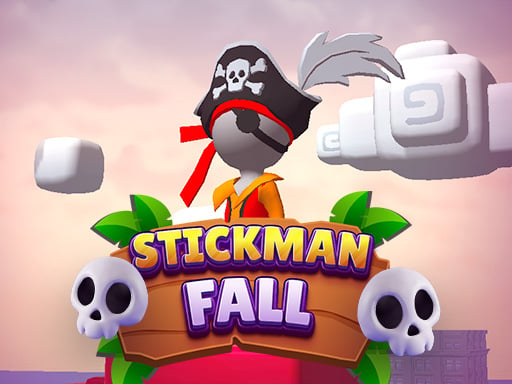
Attach to the bar using Space on the keyboard, Left Mouse Click, or Long Press on mobile devices. Descend gracefully, dodging obstacles that appear along the way. Once you reach the finish line, ensure you stop precisely within the designated area.
7,441
4.2
Hex Planet Idle
Click or tap the screen to interact and progress through the game. Use these inputs to respond to in-game prompts, solve puzzles, and navigate challenges.
5,422

4.6
Stretch huggy Monster
Click or tap on the screen to interact and progress through the game. Use these inputs to respond to in-game prompts, solve puzzles, and navigate levels. Each click or tap should be directed at highlighted areas or objects that require user action.
5,275

4.6
Draw War
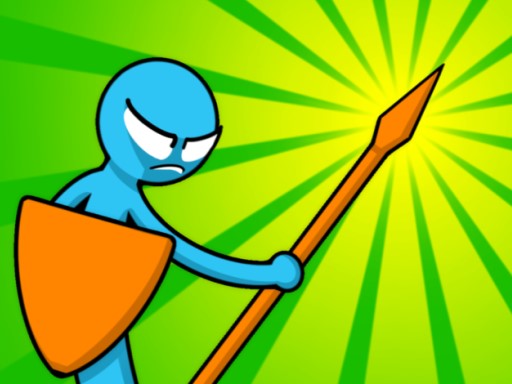
Click or tap on the screen to interact with elements and proceed through the game. Use these inputs to solve puzzles, select options, or control your character's actions for an engaging experience.
6,792
4.3
Stickman Merge Battle: Arena
Click Sword and arrow button to recruit units,(Tile button for tiles)drag units between tiles for strategic positioning,merge identical units to advance their tier.
4,911

4.2
Figher Stick Hero
Click or tap on the screen to interact and progress in the game. Use these inputs to trigger actions, select options, or navigate through levels. Engage with the game world by simply pointing and clicking for a direct and intuitive experience.
3,958
4.0
Tall Boss Run
Click or tap the screen to interact and play. Use mouse clicks for desktops or touch taps for mobile devices to engage with the game elements. This direct interaction allows players to easily control characters, select options, or trigger actions within the game environment.
5,514
4.5
Desert Jump
Click or tap on the screen to interact and play.
5,595

4.1
Santa Stick
Click or tap on the screen to interact with the game elements. Each click or tap will trigger an action depending on where you click within the game environment. Use these interactions to progress through levels or achieve objectives as set by the game.
7,073
4.9
Stickman vs Zombies Minecraft
Instructions: Navigate using WASD to move and jump. Eliminate all craft zombies by attacking them with the spacebar or a mouse click in each level to progress. Use E to activate your shield when necessary. Follow these actions for touch devices as indicated by the game buttons to survive and advance through levels.
3,573
4.6
My Farm Empire
Drag characters across the screen to move them to desired positions and swipe to change their orientation or direction swiftly. This action-based navigation system allows for dynamic repositioning and adjustment in real-time, enhancing strategic gameplay and user interaction.
7,645