
One2One
5,303
Tap numbers or letters in order from 1 to 9 or A to Z on a grid as fast as you can. Pick your grid size and whether you want to use numbers or letters. Once you start, touch the tiles one by one in the right sequence. If you tap correctly, the tile turns green and locks in place, but if you make a mistake, it will flash red. The clock stops when you finish tapping all the tiles, showing how long it took you. Try to beat your own fastest time! This game helps improve your focus, how well you see things, and how quickly you think. Playing every day can help you get faster and more concentrated. Have fun with the challenge!
Recommended Games
View All
4.0
Tall Boss Run
Click or tap the screen to interact and play. Use mouse clicks for desktops or touch taps for mobile devices to engage with the game elements. This direct interaction allows players to easily control characters, select options, or trigger actions within the game environment.
5,514
4.5
Desert Jump
Click or tap on the screen to interact and play.
5,595

4.2
Figher Stick Hero
Click or tap on the screen to interact and progress in the game. Use these inputs to trigger actions, select options, or navigate through levels. Engage with the game world by simply pointing and clicking for a direct and intuitive experience.
3,958
4.1
Stick Run Parkour
WASD - Move around P - Pause game Space - Begin or restart action
3,384
4.5
Pop It 3D Fidget Toy Maker
Click or tap on the screen to interact and play. Use these inputs to navigate through the game, trigger actions, and make selections. This direct interaction allows for an intuitive and engaging gaming experience.
6,627
4.4
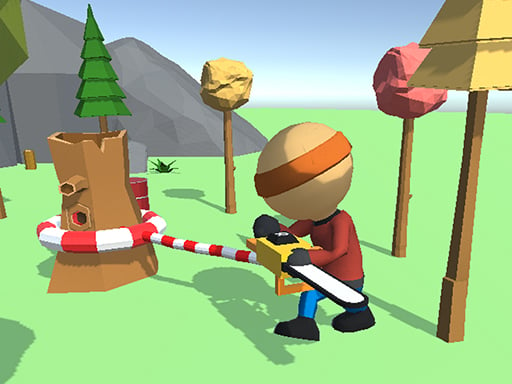
Wood Man Cutter
Click or tap the screen to interact and progress through the game. Use these inputs to trigger actions, solve puzzles, and navigate challenges. Engage with the game world by selecting options and responding to in-game prompts.
3,627
4.6
Crazy 3
Click or tap the screen to interact and progress through the game.
5,021
4.2
Hex Planet Idle
Click or tap the screen to interact and progress through the game. Use these inputs to respond to in-game prompts, solve puzzles, and navigate challenges.
5,422

4.6
Draw War
Click or tap on the screen to interact with elements and proceed through the game. Use these inputs to solve puzzles, select options, or control your character's actions for an engaging experience.
6,792
4.0
Shadow Stickman Fight
On PC, A moves left, D moves right. On Mobile, swipe or tap for movement.
3,805
4.3
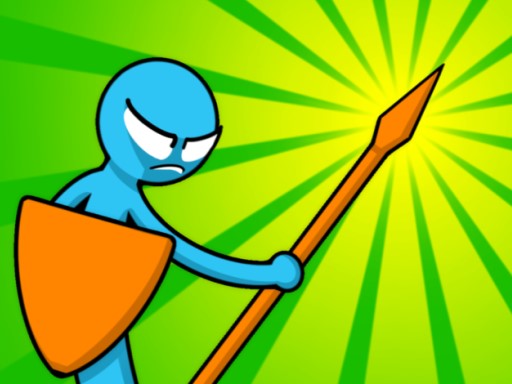
Stickman Merge Battle: Arena
Click Sword and arrow button to recruit units,(Tile button for tiles)drag units between tiles for strategic positioning,merge identical units to advance their tier.
4,911
4.6
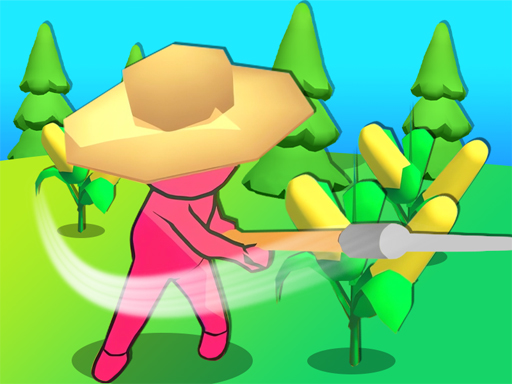
My Farm Empire
Drag characters across the screen to move them to desired positions and swipe to change their orientation or direction swiftly. This action-based navigation system allows for dynamic repositioning and adjustment in real-time, enhancing strategic gameplay and user interaction.
7,645

4.2
Assassin Knight
Click or tap the screen to interact and progress through the game.
6,933
4.2
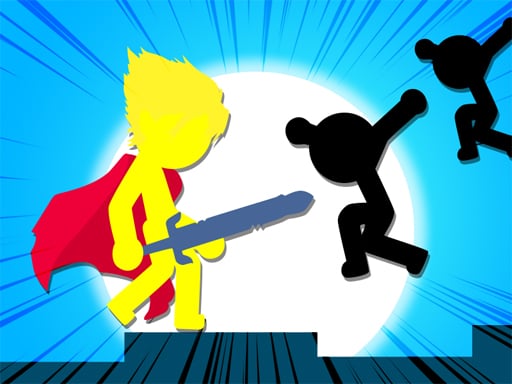
Stickman The Flash
Click or tap on the screen to interact and play.
6,853

4.9
Skibidi Stick
Click or tap on the screen to interact and progress in the game. Use these inputs to trigger actions, select options, or control elements within the game environment.
7,701
4.3
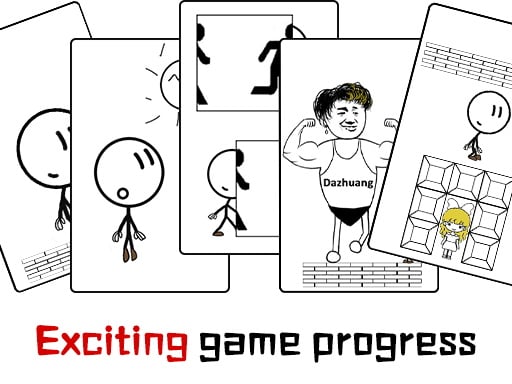
Dont be angry with match man
The main controls of the game are moving forward, backward, and jumping. Players navigate through levels by pressing buttons to move in these directions. Forward helps progress through obstacles, backward aids in avoiding dangers or retracing steps, and jumping allows overcoming gaps or reaching higher platforms. These actions are crucial for solving puzzles and defeating enemies within the game environment.
6,121
4.4
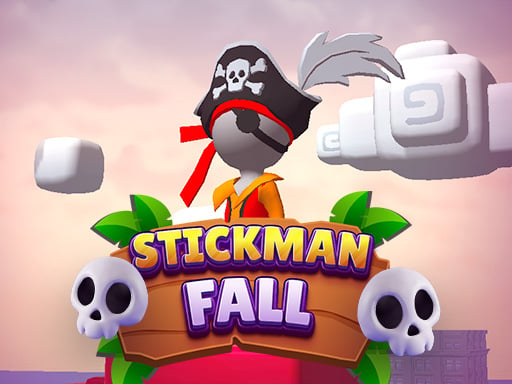
Stickman fall
Attach to the bar using Space on the keyboard, Left Mouse Click, or Long Press on mobile devices. Descend gracefully, dodging obstacles that appear along the way. Once you reach the finish line, ensure you stop precisely within the designated area.
7,441
4.9
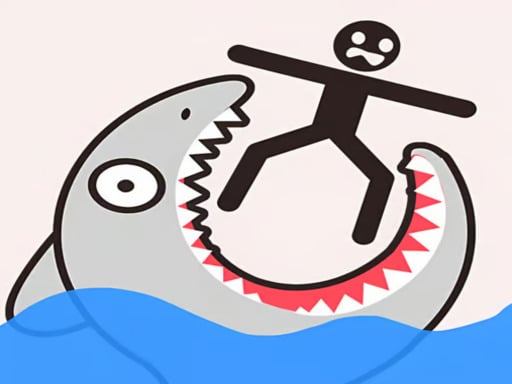
Draw Save Puzzle
Draw a single unbroken line to finish each level while safeguarding the Stickman from harm. Multiple solutions exist, allowing creativity in your designs.
4,143
4.6
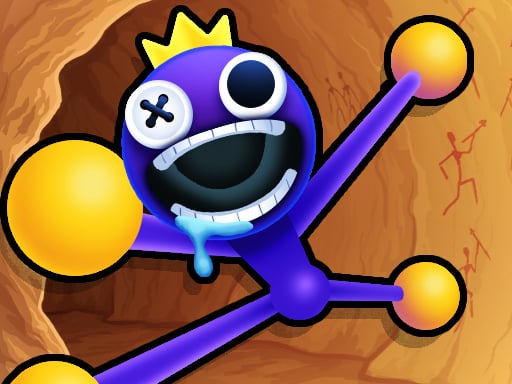
Stretch huggy Monster
Click or tap on the screen to interact and progress through the game. Use these inputs to respond to in-game prompts, solve puzzles, and navigate levels. Each click or tap should be directed at highlighted areas or objects that require user action.
5,275